.png)

Turn your phone into a universal remote control
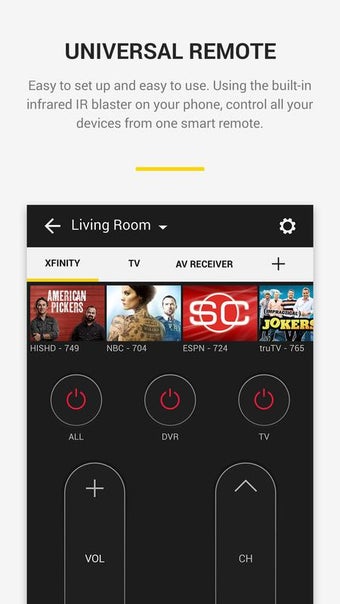
Revolutionize your home entertainment experience with this app from Peel Technologies. Peel Smart Remote combines the universal remote control and TV listings into one convenient app. This software utility uses the IR blaster of your device to control your TV and other home appliances. Alternatively, WiFi can also be used to control a few supported devices.
Top Recommended Alternative

Adding a device
Peel Smart Remote was initially launched in 2009. And in a few years, it gained 25 million users. These numbers grew more as its developers collaborated with various smartphone manufacturers and became a built-in app. The software then became one of the most downloaded smart remote apps with a user base of 70 million.
Like most smart remote apps, Peel Smart Remote uses infrared blaster, also known as IR blaster, to control all electronics. IR blaster is a smartphone sensor found in devices that emulates remotes of electronics, like a TV or A.C remote.
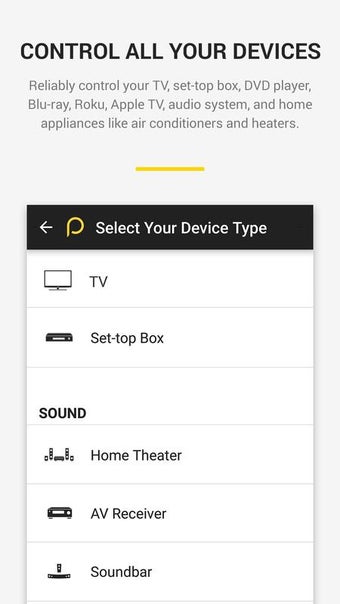
Upon launching the app, you only need to select the brand of the TV brand you want to control via your phone. You can also tap on the Other Device button if you need to add other appliances. Then, you need to point your phone towards the gadget and tap the power button to see if it is working. If it does, you can now freely use your Android device to control your appliances.
If the initial button does not work, keep checking for alternative buttons until you find a working one. You can also add more devices to a single device location by tapping the Plus button below your WiFi name.
Speaking of WiFi, Peel Smart Remote also works with phones without IR blaster. You only need to use your WiFi. However, there are only a few devices that can be controlled via WiFi. Also, the phone and the gadgets need to be on the same network for it to use.
What you get
When you download and install Peel Smart Remote, you will get a smart remote that is easy to set up and easy to use. You only need to confirm your location, choose your TV provider, and pair the app with all your home electronics. After that, you only have to use one remote for various devices.
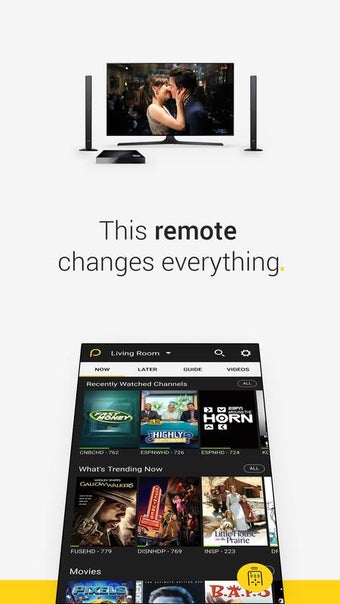
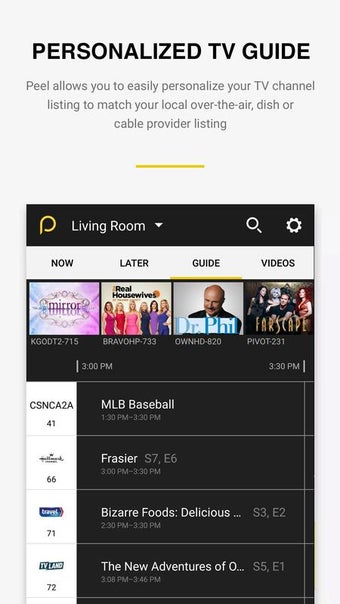
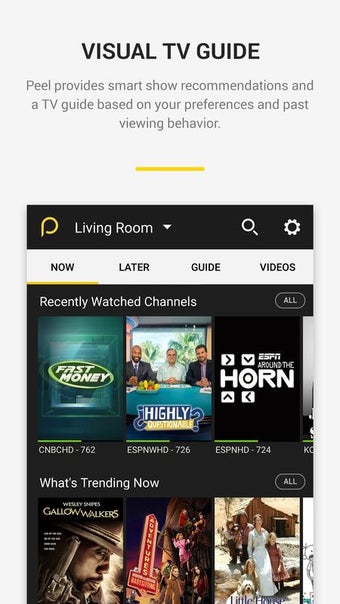
But the app does not end with just physically controlling your TV, AC, and other appliance. Peel Smart Remote also offers a comprehensive TV guide, which helps you choose between different genre shows and episodes. With the app, you can look for trending shows or see your recently watched episodes. You can even get information about the shows you are following, as well as personalized recommendations.
With Peel Smart Remote, you can also directly cast Youtube content for live streaming devices, such as Roku and Chromecast. More, if it is supported on your TV, you can use the app’s voice assistant to control your TV through your voice.
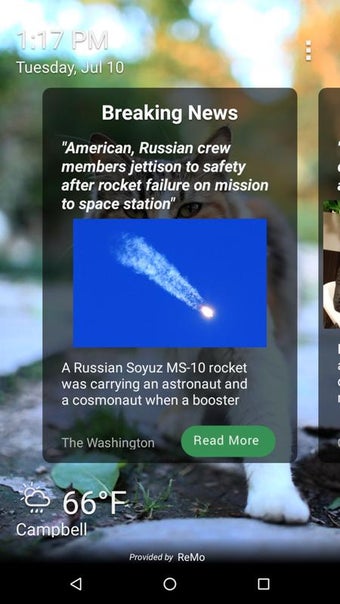
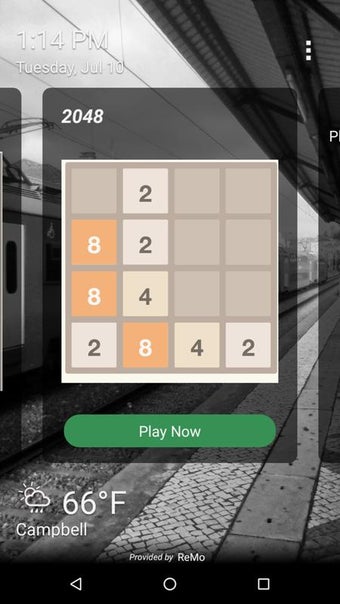
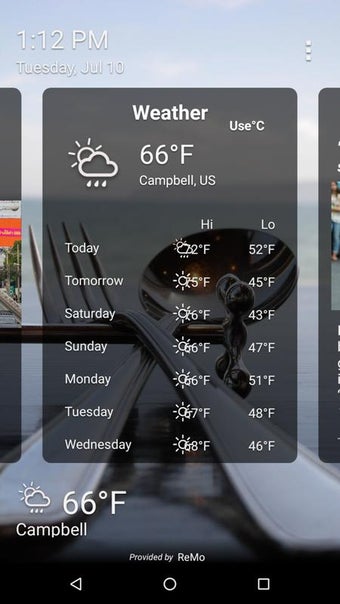
Peel Smart Remote is a free application. This means there will be lots of ads interrupting you. In fact, the app places ads over lock screen without consent. So, when you choose to use this app, expect to see ads whenever you unlock your phone.
For easier control
When you look at functionality, Peel Smart Remote is not that bad of an app, especially since it comes free. It works on popular TV brands and even helps you control other appliances. And with its built-in TV guide list, it will be easy to choose what show to watch. Plus, the more you use it, the more personalize its service will be. However, its insistent ad inserts are just plain annoying. Ads are bad enough whenever you open the app. But seeing them in your lock screen is another level. However, if you can get past it, then you can use the app to get more convenience.
.webp)
.jpg)
.jpg)
.jpg)
.jpg)
.jpg)
.jpg)
.jpg)
.jpg)